Indoor LED Wall Buying Guide: Pixel Pitch, Size, Brightness and Service Access
Short answer
Choose an indoor LED wall by starting with the closest viewer, the content and the room rather than a model number. The decisions that matter are pixel pitch, physical dimensions, total resolution, brightness and control, viewing angle, refresh performance, mounting structure, heat and power, front or rear service access, spares, calibration and warranty.
Key takeaways
- Pixel pitch is the centre-to-centre distance between pixels. The correct pitch depends on the nearest realistic viewing distance and the content.
- 4K describes resolution, not physical size. Define the wall area and viewer positions first, then calculate native pixel dimensions.
- Decide front or rear service access before the wall and interior are detailed.
- Require a comparable schedule: manufacturer, pitch, resolution, cabinets, brightness, controller, structure, power, calibration, spares and warranties.
- Burn in and calibrate on the bench so installation day is a fit rather than a fix.
Choose an indoor LED wall by starting with the closest viewer, the content and the room—not with a model number. The key decisions are pixel pitch, physical dimensions, total resolution, brightness and control, viewing angle, refresh performance, mounting structure, heat and power, front or rear service access, spares, calibration and warranty.
An LED wall is a system. The panels are only one part of the result.
What is pixel pitch?
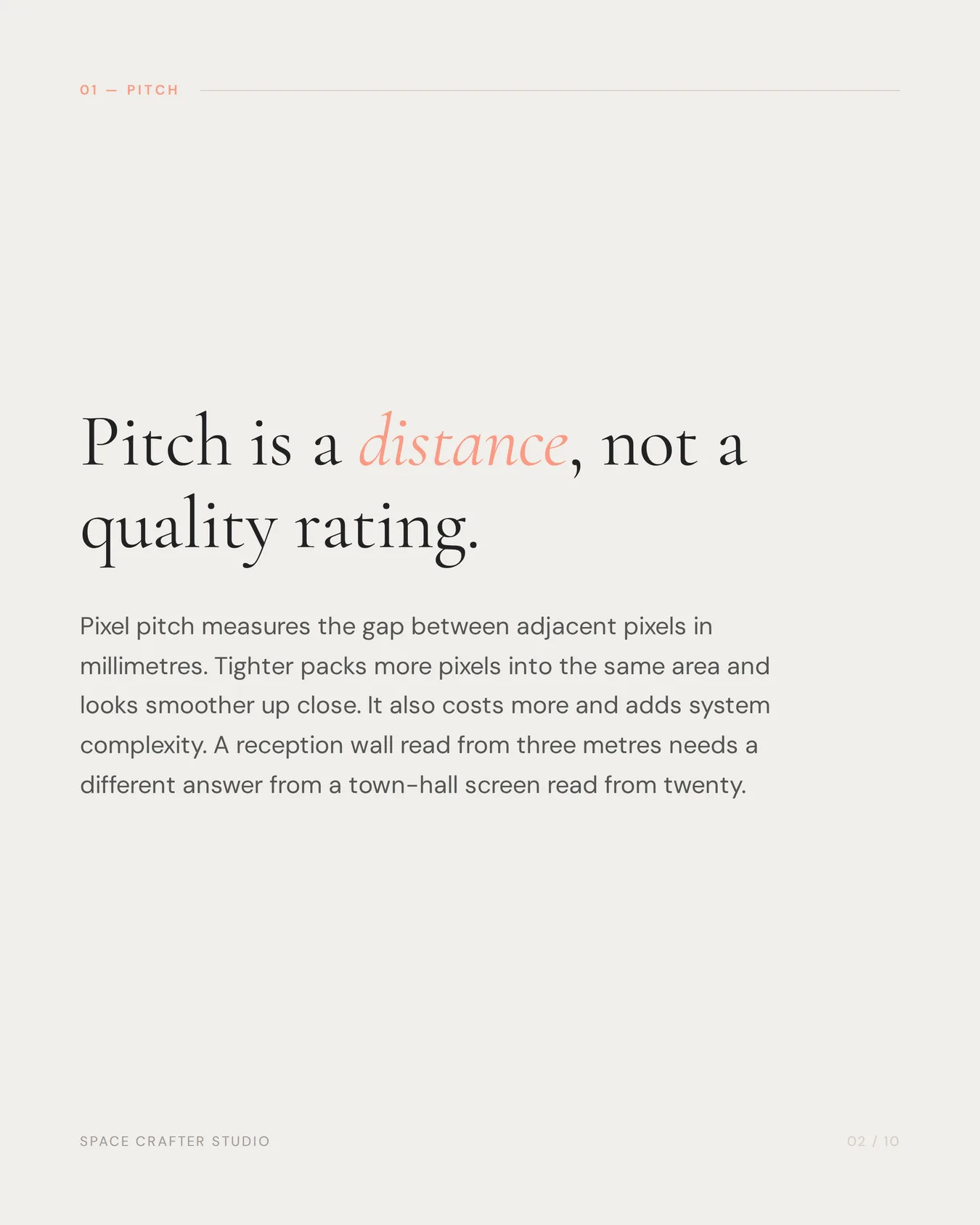
Pixel pitch is the centre-to-centre distance between adjacent pixels, measured in millimetres. A smaller pitch packs more pixels into the same physical area and generally looks smoother at close range. It also usually costs more and can increase system complexity.
The correct pitch depends on the nearest realistic viewing distance and the kind of content. A reception wall read from a few metres away needs a different specification from a town-hall screen viewed across a large room.
Do not select pitch from a universal formula alone. View physical samples at the intended distance with representative content.
Pixel pitch, wall size and resolution are connected
Buyers often ask for a “4K LED wall,” but 4K describes pixel resolution, not physical size. The same resolution can occupy a compact wall at fine pitch or a much larger wall at wider pitch.
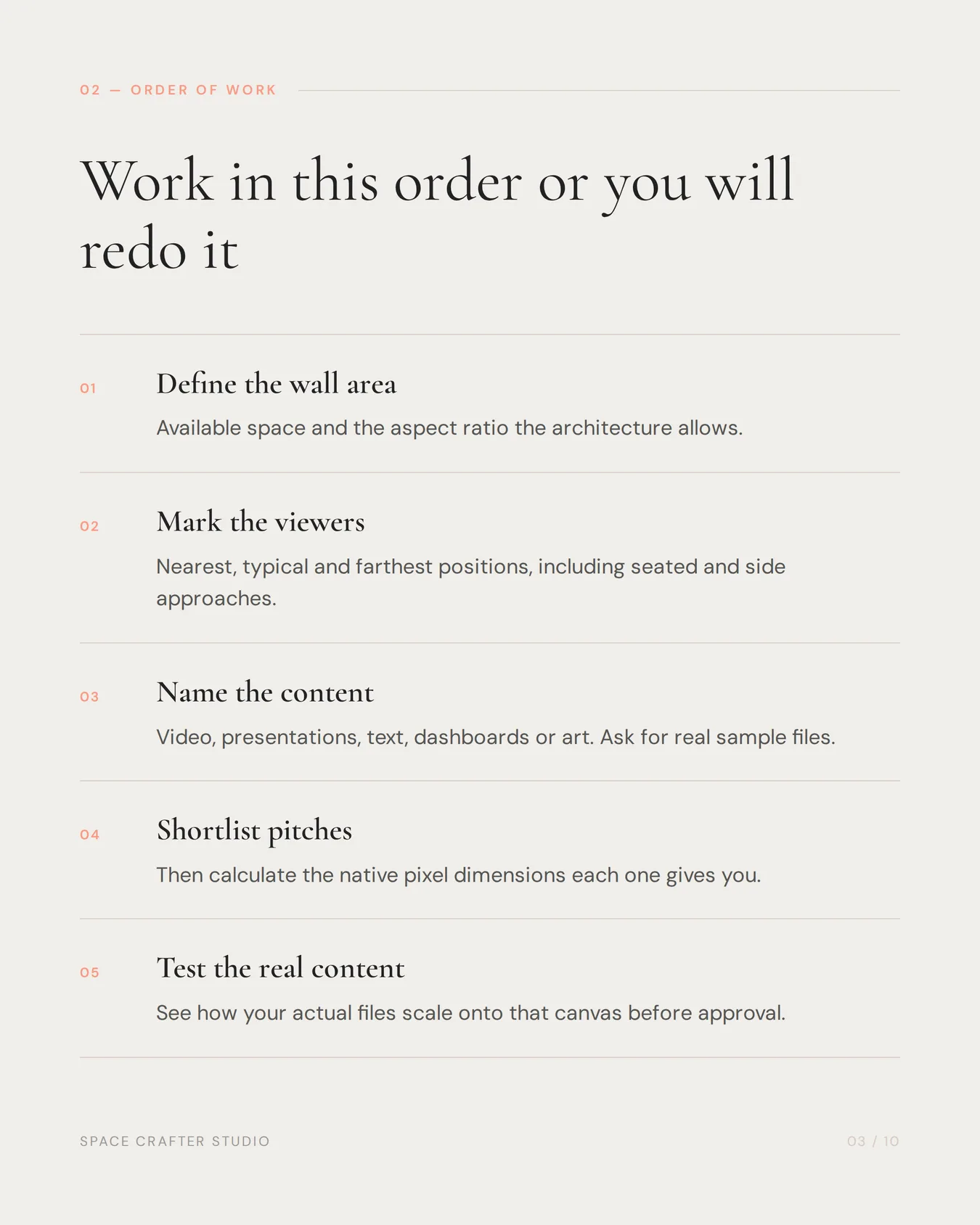
Work in this order:
- define the available wall area and aspect ratio;
- identify the nearest and typical viewer positions;
- define the content—video, presentations, text, data or art;
- shortlist suitable pixel pitches;
- calculate the native pixel dimensions of each option; and
- test how the real content scales to that canvas.
If small text and spreadsheets are routine, resolution matters differently than it does for large-format brand films.
LED wall vs LCD video wall vs commercial display
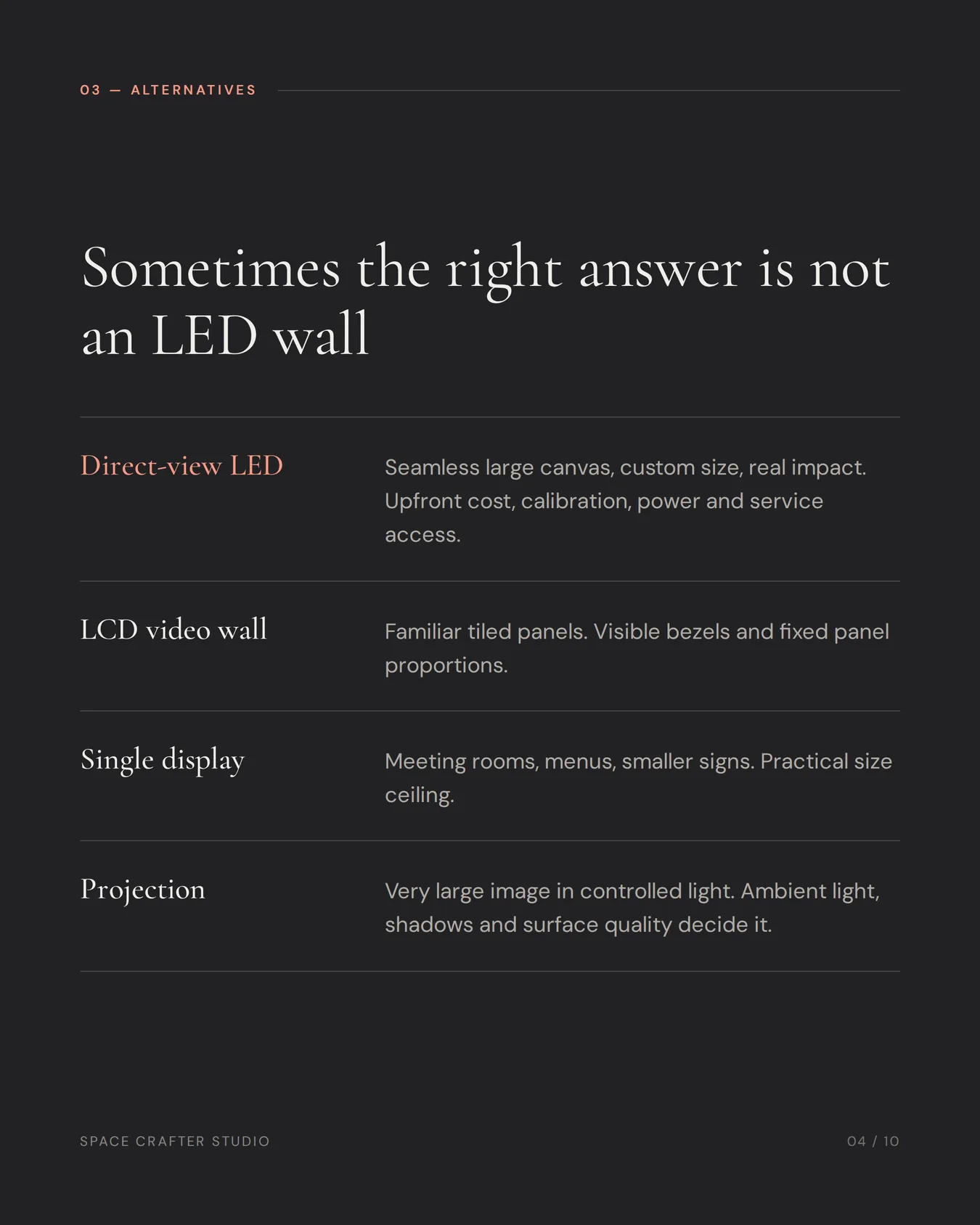
| Option | Strongest fit | Consider carefully |
|---|---|---|
| Direct-view LED wall | Seamless large canvas, custom size, high visual impact | Upfront cost, pitch, calibration, power and service access |
| LCD video wall | Large tiled display with familiar panel technology | Visible bezels and fixed panel proportions |
| Single commercial display | Meeting rooms, menus and smaller digital signs | Practical maximum size and less architectural impact |
| Projection | Very large image in controlled conditions | Ambient light, shadows, throw distance and surface quality |
The right answer may be a standard commercial display. Specify LED because the viewing experience and scale require it, not because it sounds premium.
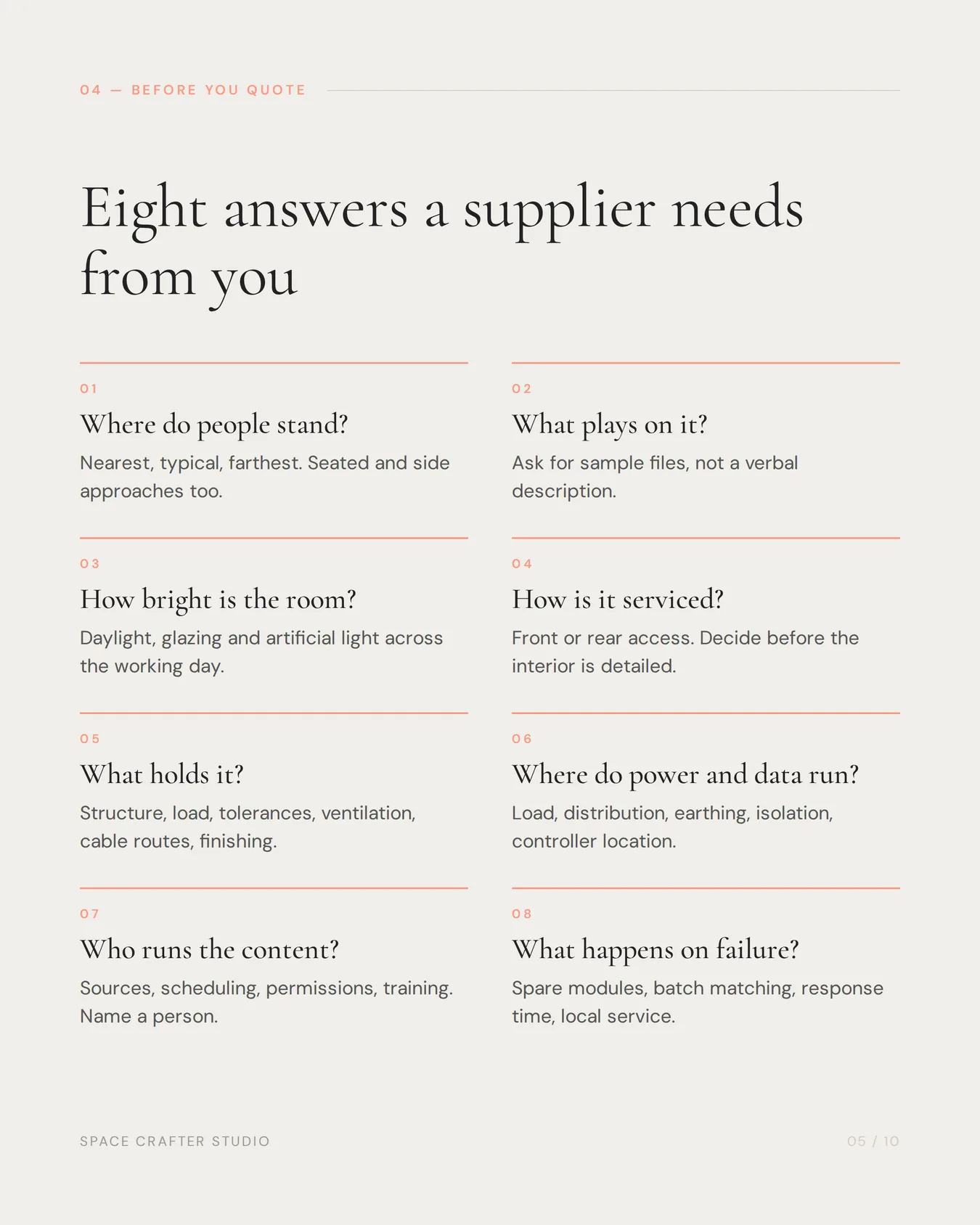
Eight questions to answer before requesting quotes
1. Where will people stand?
Mark the nearest, typical and farthest viewer positions on the plan. Include people approaching from the side and users seated below or above the screen.
2. What will the wall show?
Ask for sample files, not just a verbal answer. Fine text, dashboards, live camera feeds, presentations and cinematic video place different demands on resolution, processing and aspect ratio.
3. What is the ambient light?
Measure or at least observe daylight, facade glazing and artificial lighting through the operating day. More brightness is not automatically better indoors. A wall should be controllable, comfortable and consistent with the room.
4. How will it be serviced?
Front-service modules can be useful where there is no rear access. Rear service may provide a dedicated maintenance zone but requires space. Decide this before the wall and interior are detailed.
5. What supports it?
The mounting structure must hold the cabinets accurately and safely while allowing alignment and maintenance. Coordinate wall construction, load, tolerances, ventilation, cable routes and finishing details.
6. Where do power and data run?
Plan electrical load, distribution, earthing, isolation, data paths and controller location with qualified project professionals. Hiding cables after the fit-out is not a design strategy.
7. Who operates the content?
Define sources, switching, scheduling, user permissions and training. A beautiful display that depends on one specialist laptop will soon become an expensive black rectangle.
8. What happens when a component fails?
Ask about spare modules, receiving cards, power supplies, batch matching, response time, remote diagnosis and local service capability.
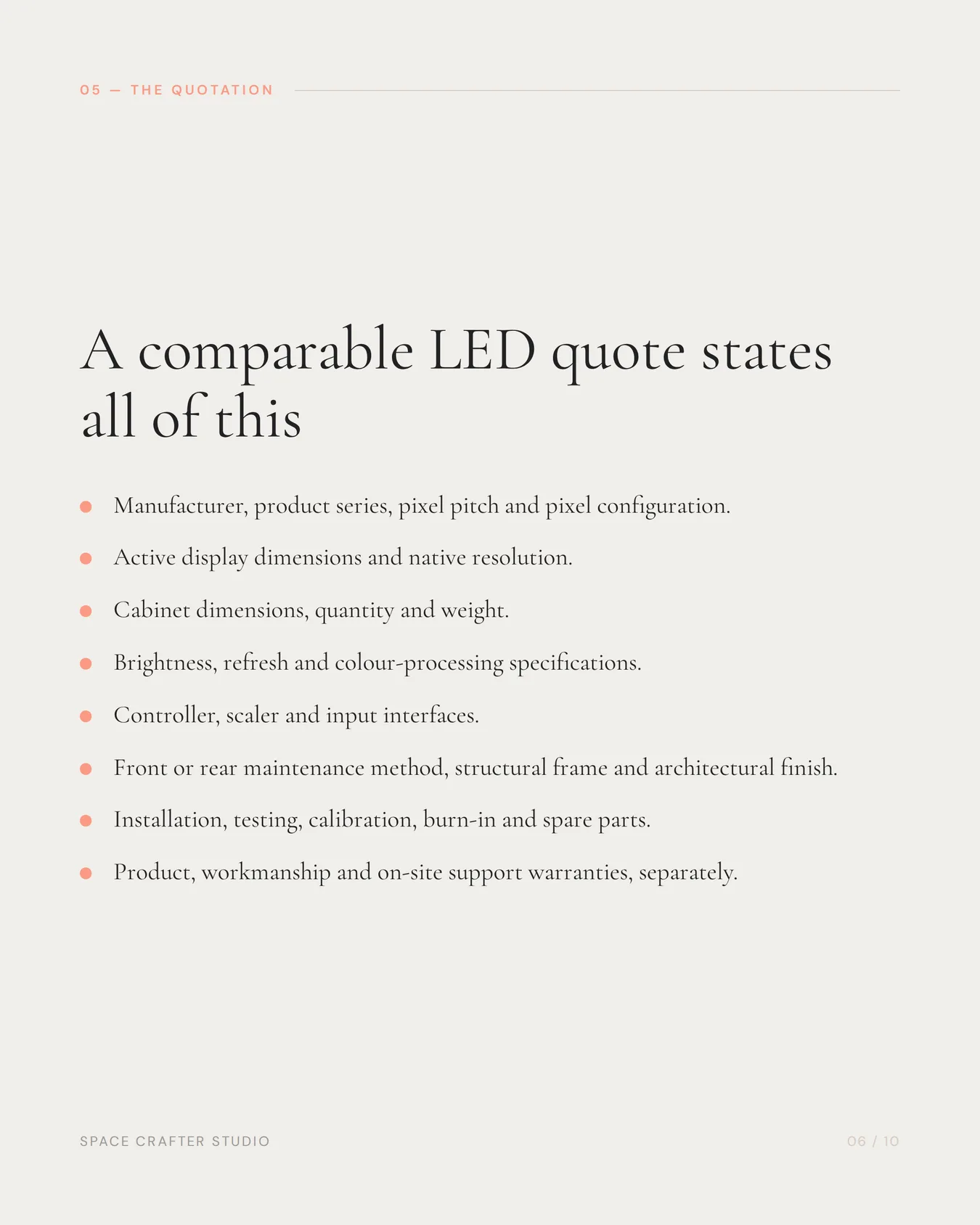
What should an LED wall quotation state?
Require a comparable schedule:
- manufacturer and product series;
- pixel pitch and pixel configuration;
- active display dimensions and native resolution;
- cabinet dimensions, quantity and weight;
- brightness and adjustment method;
- refresh and colour-processing specifications;
- controller, scaler and input interfaces;
- front or rear maintenance method;
- structural frame and architectural finish;
- power requirement and exclusions;
- installation, testing and calibration;
- spare parts and burn-in procedure;
- content testing and operator training; and
- product, workmanship and on-site support warranties.
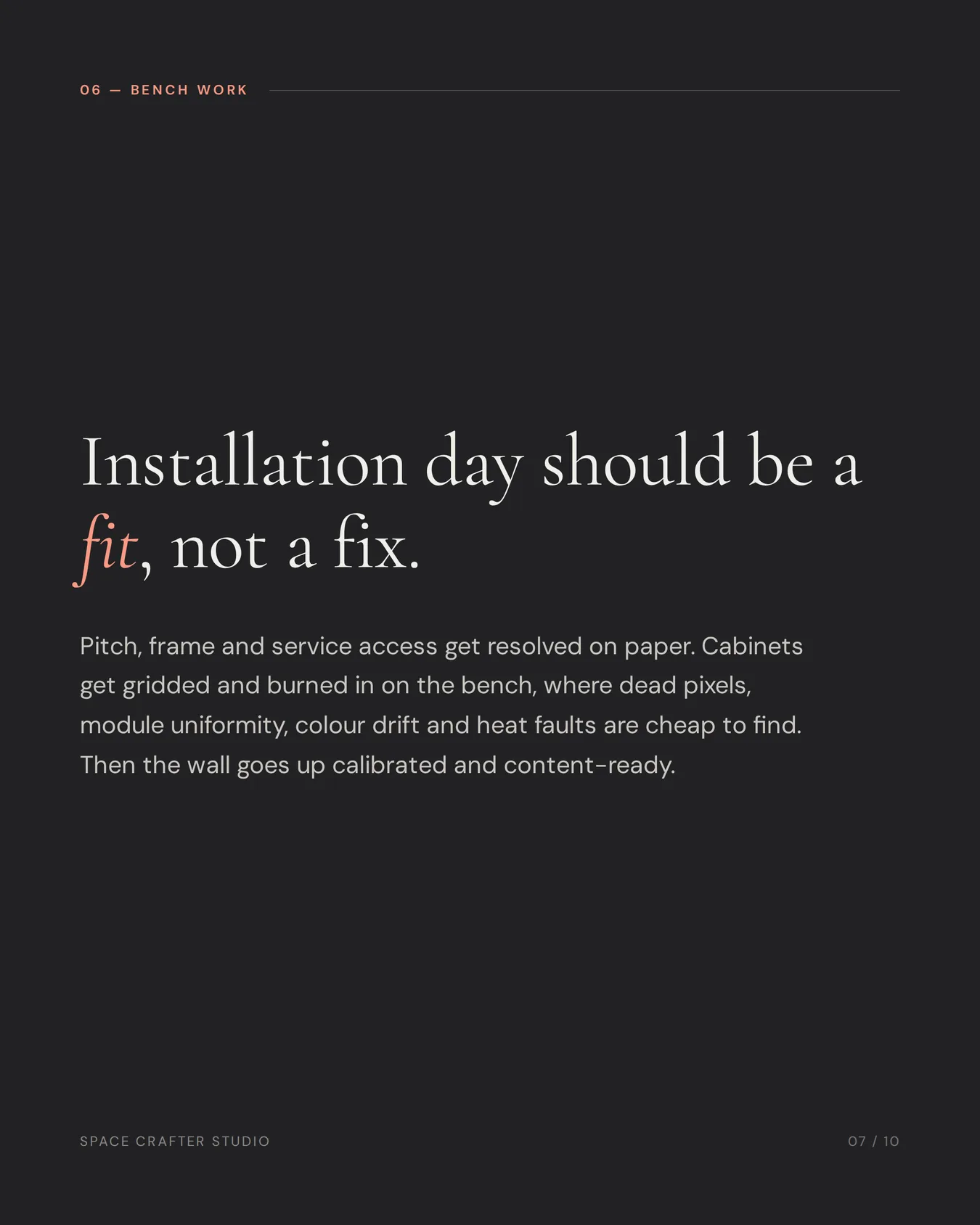
Why burn-in and calibration matter
Before installation, the assembled system should be checked for dead pixels, module uniformity, signal behaviour, colour consistency and heat-related faults. Calibration helps adjacent cabinets behave like one image rather than a patchwork.
SpaceCrafter Studio describes this as making the installation day “a fit, not a fix”: pitch, frame and service access are resolved on paper, cabinets are gridded and burned in on the bench, and the wall is handed over content-ready.
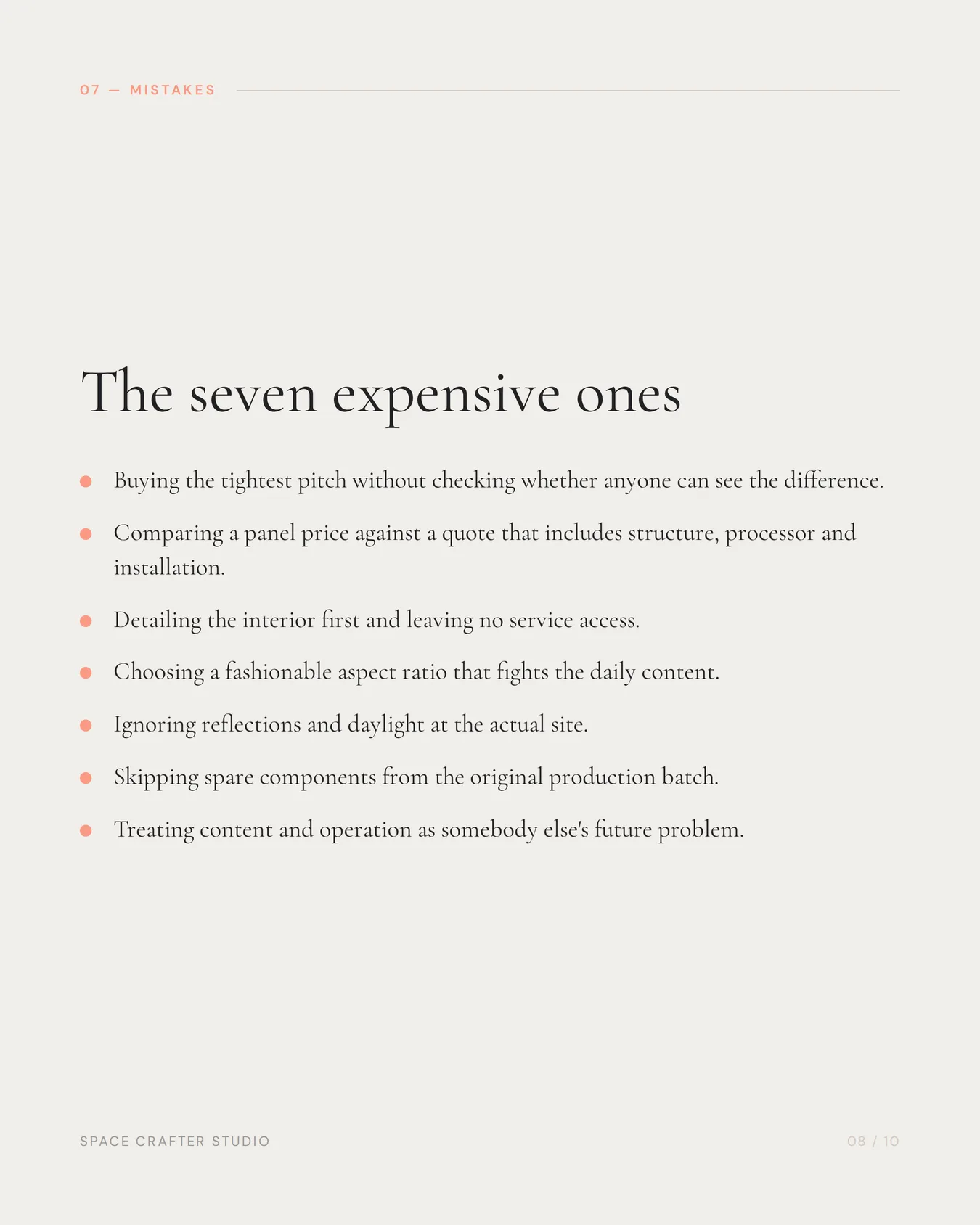
Common LED wall buying mistakes
- Choosing the smallest pixel pitch without checking whether viewers can see the difference.
- Comparing panel prices while one quote includes structure, processor and installation and another does not.
- Designing the interior first and leaving no service access.
- Requesting a fashionable aspect ratio that does not suit daily content.
- Ignoring reflections and daylight at the actual site.
- Omitting spare components from the original batch.
- Treating content production and operation as somebody else’s future problem.
A better procurement sequence
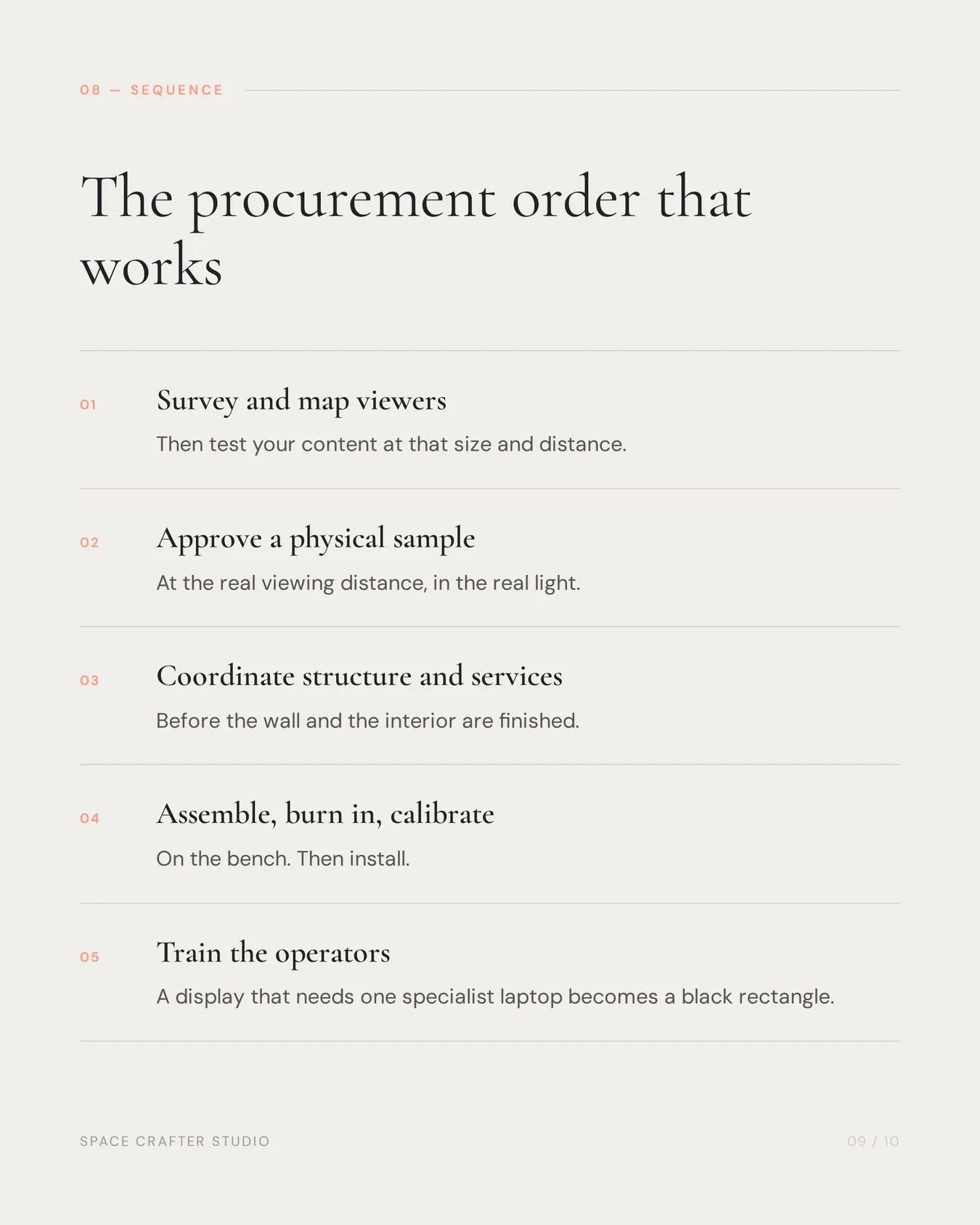
Survey the room, map viewers, test content, approve a physical sample, coordinate structure and services, assemble and burn in, install and calibrate, then train the operating team. An integrated scope reduces the gaps between display supplier, fabricator, interior contractor and AV integrator.
SpaceCrafter Studio specifies, builds the housing for and installs LED walls and digital displays as part of wider commercial environments. Send the wall size, room, closest viewing distance, content and timeline to start a specification conversation.
Last reviewed 2026-09-19 by the SpaceCrafter Studio Digital Display Team. Space Crafter Studio is a unit of Kingar Signs Private Limited, Bengaluru, designing, fabricating and installing signage, wayfinding, LED walls and brand environments since 1991.